
This HOWTO guide explains how to easily fix the “corrupted version” error when installing / upgrading Allods Online without having to download files manually or from sources you’re not sure are safe.
WHAT THE BROKEN INSTALLATION PROCESS LOOKS LIKE
I tried installing Allods Online (AO) this weekend and ran into a corrupted version problem. Here is what the install process with the corrupted version looks like:
- you run the game downloader and install the game
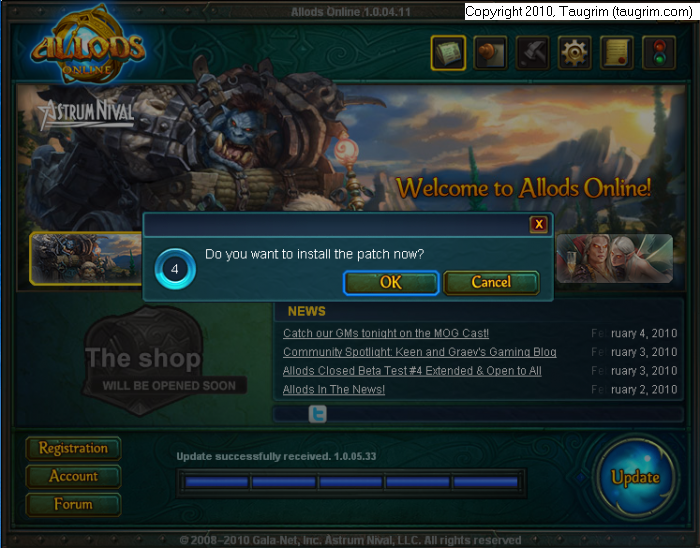
- you run AO game launcher and you get a notification that you need to upgrade to the latest patch:
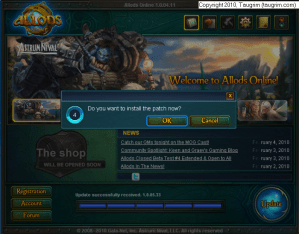
- the launcher downloads the patches (~450 MB in my case)
- the launcher installs the patches
- the launcher reports that the “Version is corrupted. Do you want to repair it now?”
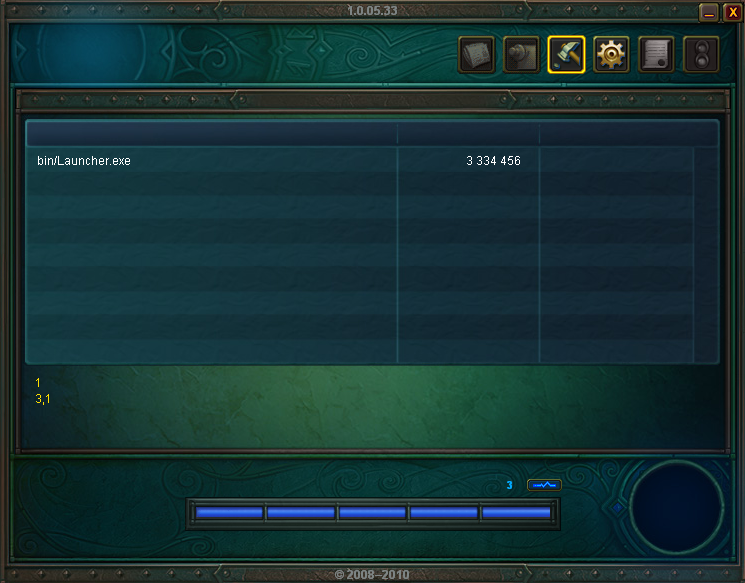
- the launcher’s attempt to repair the corrupted version fails, and you see this message:
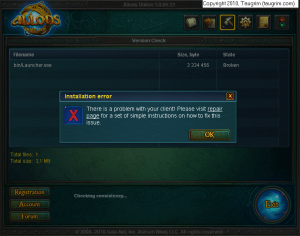
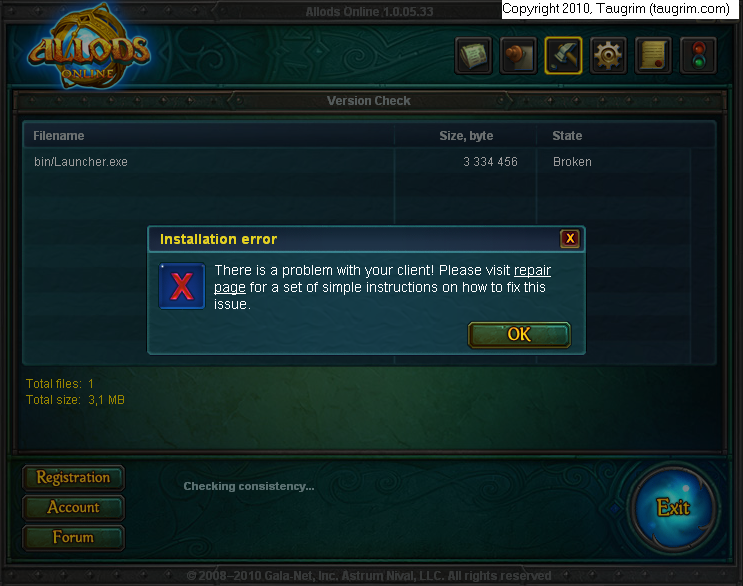
Unfortunately, the repair page mentioned in the error panel doesn’t help this problem. So what’s wrong with the installation process? You can see from the picture above that the launcher itself (bin/Launcher.exe) is broken, so you need to get the launcher to download a working version of itself.
HOW TO FIX THE CORRUPTED VERSION
Disclaimer: the instructions below worked for me and for other people – but use them at your own risk! I’m not gpotato tech support LOL :)
In a nutshell, the fix for this problem is to rename the launcher program and then run the renamed launcher, so it downloads a working version of itself.
Here’s the process:
- follow steps 1-6 above, but do not try the repair page as suggested. It won’t fix the problem
- go to the game installation’s bin directory (by default, it’s C:\gpotato.com\Allods Online\bin) and rename Launcher.exe to Launcher-broken.exe:
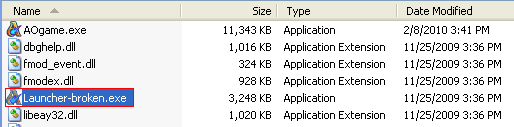 Please note that Windows on your computer may be configured to hide the file extension (.exe), so if you simply see “Launcher” rename it to “Launcher-broken”
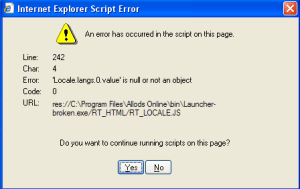
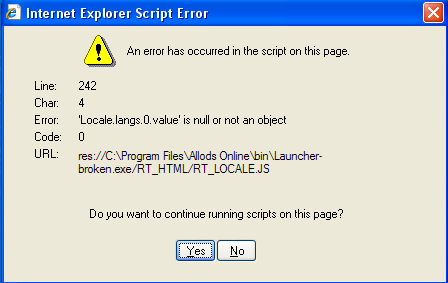
 - double-click Launcher-broken.exe to run it, and when you see the following script error panel, click Yes:
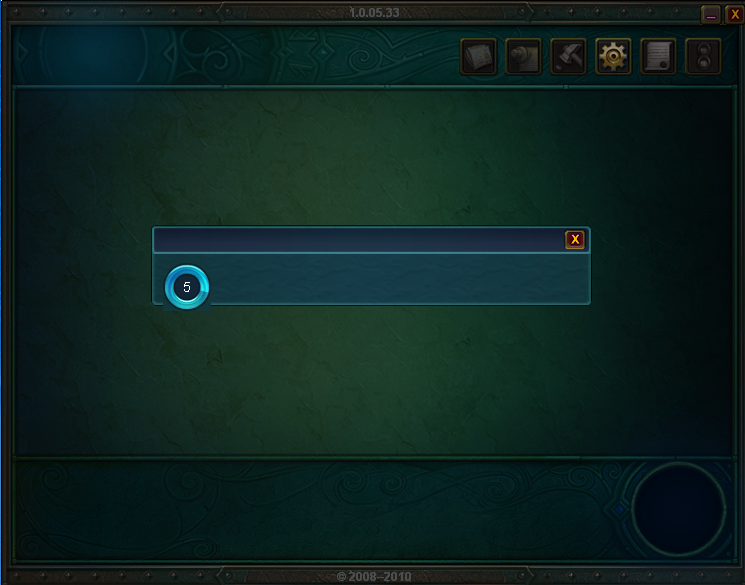
- the launcher will run and automatically attempt to fix the corrupted version:
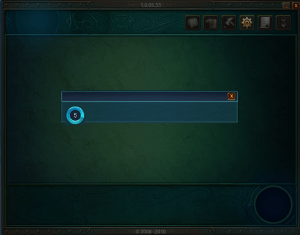 wait while the launcher runs. What the launcher program (Launcher-broken.exe) will do is download a new version of itself (Launcher.exe) that actually works: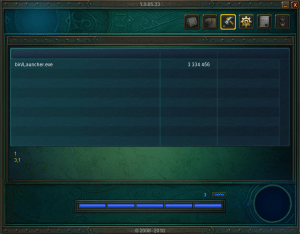
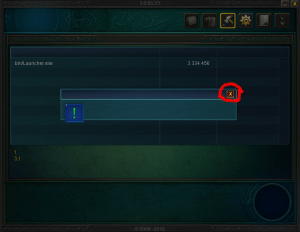
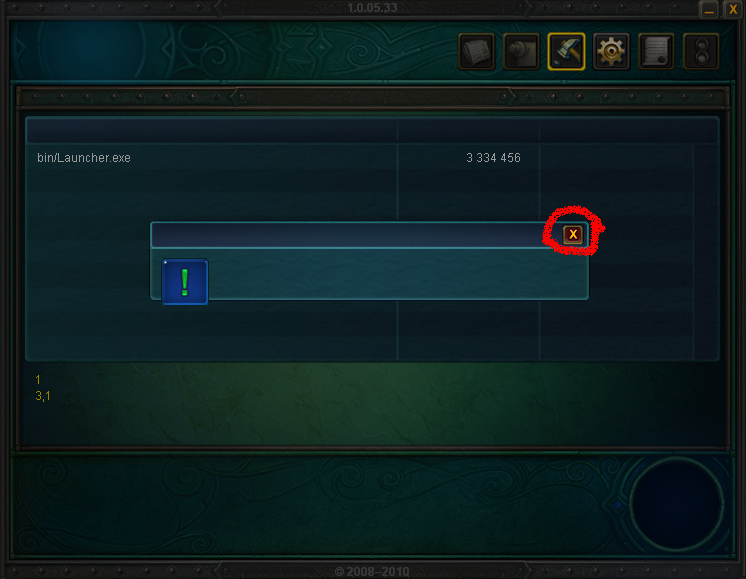
- once the fixed version of Launcher.exe has been downloaded, you will see the following message box, and you want to click the circled “x” to close it:
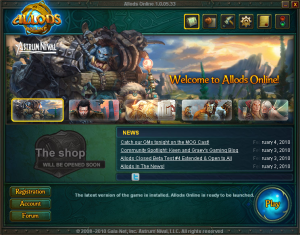
- now click the Allods Online icon on your desktop, and you should see the following panel, which means your game installation is all good :)

I wasted enough of my time researching this problem and seeing other players stuck on it on the AO forums, so I hope this guide helps you. Thanks to the players who posted the rename fix – all I tried to do was make the process clearer for folks who are struggling with this.


 Taugrim's MMO Blog
aw sorry my bad i didnt close it first thnkyou very much :)
the game won’t start for me i did it but it say’s waiting for game to start
Thanks, dude.
You saved my day!
Worked brilliantly thankyou very much
plz help me, everything is right but when I click on Play it just gets Waiting for the game to start or something and a windows opens and closes really fast and it stays on Waiting for the game to start
PLEASE HELPP
i have the same problem :'( ive been waiting forever D-X
people, just discovered it.
it’s the graphic card.
weak graphic cards can’t stand Allods so it has this effing error.
ironically mine supports WoW LOL
ya i have the same problem, this worked like a charm and it fixed my launcher, but now when i click play, it just says “waiting for game to start..”, but it never starts. it just sits there at that screen. i wanna play already i heard this game is amazing, please help me fix this, thanks!
Maaann you saved my life! Allods is finaly working again!
;D
Thank you sooooo much!
<3<3
Much appreciated, worked just fine, thanks a ton!
I renamed the launcher and everything but when i click run it, it gives my ????????????????????????????????????????????????????????? it literlly gives me question marks i have no idea wat i did wrong
NVM I did it again and it worked for some reason i did nothing different i think god just likes me today
Omg thanks; I was wondering what the hell could be wrong xP
–Worked to fix a few other files that didnt download right first or second time aswell oddly enough. Recommending this guide to my friend too.
Works fine, THANKS !!!
How long does step 5 take?
[What the launcher program (Launcher-broken.exe) will do is download a new version of itself (Launcher.exe) that actually works:]
I’ve been waiting about 20 minutes (have DSL connection)and all I see is a sliver of a pulsing blue on the download bar but the size of the sliver has not changed. Do I have to wait another 3 hrs for this to completely download? If so, why not just have a new original download FIXED so we all don’t have to go through 6 plus hours of messing around with this launcher? I’d really like to start playing this game in 2010. Thanks
omg… Thank you soo much :D
when i start this up it jus keeps loading and does not surpass this i dont no if i have done anything wrong so pls help me if u can
ty
Thanks! Very easy to follow fix, otherwise I’d be lost!
unable to update to 10.05.45.4 (4/20/2010 1:49:54 PM)
i run game start update but it stuck at 75% and wont continue, i try rename method still not help.. can anyone help me please ?
THANKS! IT WORKS!
thanks for sharing mate, realy good work:)
This has worked perfectly… Thanks for this ¦-D
Alright, I followed these steps to the tee. Now when I click play it just sits there and says “Waiting for Game to Start…” Any help?
well im doin all steps till the “click on the desktop icon“and i do that and it says taht the game is ready to start but when i click start and it loads it suddenly comes up a poppup that have the name runetime erorr something, i dunno what do to please help! :/
This doesnt work after the newest patch !
Hi! I followed ur steps till 5., but my luncher stops downloading it before 1st bar of downloading and it doesn’t want to go onward :( I hope You’ll help me with that trouble. and if this will help You I can send U a screenshot of luncher .
same here but mine goes to 1 and a half bar
I used a repair file and now the game works, but i had to leave it for a night and then it downloaded the patch. You can try this way, meaby it’ll help you too ;)
Hi! Really, thank you!!! It worked with the previous patch, worked with the new one. Thank you so much! ^__^
the game still doesn’t work by me:'(
when i try to update patches manual it says zlib1.dll is missing what should i do tell me?is my game corrupted( cause i already have zlib1.dll in the directory)
I havent had any issues with a mesage on corrupt version or launcher. I have though and endless loop of file corruption. When I click play it does a file consitency check and gives a pop uop that multiple files are corrupted. I click fix and it does a check that reports 0 files corrupt. then click play and loops through over and over. I have applied the last two patches manualy, renamed and fixed launcherexs etc. I uninstalled and downlonaded the game froma mirror site and still same issue.
I have the same problem i cant work it out myself
and have tried the “fixes” but none have worked
hopefully someone can work out this new error
hopefully it is just the gfx card im going to test the theory when i find the power cable for my ati sapphire xi650
omg dude tnx ur the best!
hello i did evrytin and im at the part where its downlaoding launcher.exe but the blue bar isnt even comin up(as in its not downloading) but it says launcher.exe just stuck there
weird thing is that i played allods all good and one day suddenly this shit happens so no its not graphics card fault i had no lag at all
I have tried this trick like six times and so far it still hasn’t worked
OMG! It Worked! I did not think it was gonig to!!!
That was great…!! thanks
I did the steps, but it only opened it up to the error tab of the launcher and I still have the problem D:
thnx this guide really helped me ;)
thnx for the screenshots
the waste of time u spend for this is worth it , ty :)
WOW this works :D thank u !!!
yo man i didnt get the script(is that cuz my default browser is Chrome) and this isnt working for me at all…i tried the repair.exe and this a couple of times and nothing happened
Dude…
u’explained in a bunch of lines, wat pl in tou tube take 10 minutes to say…
AWSM tyvm
NOOOOOOOOOOOOOOO i can not find the folder ANY WHERE i am on a vista and its not finding my folder or bin or anything!!!!!!!!!!
Nice….follow the direction correctly and it works great. thanks
Thank you a lot it worked for me :D
i love you
Dude thanks. I fucking love ya!
time, life and patience saver :D
Sheesh.. 3 hours of trying and the same problem. Thought I’d give it a try, now I’m just gonna delete and go back to WoW.
this is working for me so far. the install only decided to install 1gb of the game so i did this and its downloading all the missing files aswel. a whole 2.5gb of them. i really think they need to fix their downloaders and installers cos they suck. its not finished downloading yet but hopfully it works thx :)
> Thanks dude!…
> That’s so useful…
> I needed that help…
8J.
its not working, chanced the name and all but when i double click it does not give that thing, it says error and press ok and shit,
it says:
the aplication failed cause its side-by-side configuration is incorrect. please see the aplication event log for more detailes…
can u help me?
[…] juego MMORPG :) A mi tambien me paso lo del launcher, segui estos pasos y se me soluciono. HOWTO Fix a Corrupted Version of Allods Online Taugrim's MMORPG Blog __________________ Reply With Quote + Reply to […]
it worked but i go play then it ses waiting for game to start then it comes up currupted files have been found. do you wont to repair them and it keeps doing that i tried like 10 times can you help
Thanks mate!
had a lot of trouble with this.